.webp)

Scan your document.
Walk up to your Xerox® ConnectKey®-enabled multifunction printer, choose your source and target languages, and scan your document.
SharePoint Made Simple
OneDrive at Your Fingertips
Exchange Without Barriers
Print in Any Language
 (1).png)
 (1).png)
Walk up to your Xerox® ConnectKey®-enabled multifunction printer, choose your source and target languages, and scan your document.
.jpg)
Get instant translation in your choice of over 40 languages while preserving the original document layout.
.jpg)
Receive your translated document on the spot, ready to share, present, or distribute.
Eliminate language barriers instantly. Nearly half of businesses report financial losses from misunderstandings caused by language barriers. With the Xerox® Translate and Print App, powered by ConnectKey® Technology, you can scan a document and print it in your chosen language in seconds.
This state-of-the-art app supports over 40 languages, preserves your original formatting, and delivers results immediately. From education to corporate environments, it's the fastest way to make communication more inclusive, improve employee productivity, and enhance customer experiences.
Language is no barrier when translation is just a scan away.
Communication failures cost businesses big. According to Salesforce, 86% of professionals say poor communication leads to workplace failures. The Xerox® Connect App for Exchange Online on your Xerox® ConnectKey® Technology-enabled multifunction printer lets you securely scan and send documents to anyone in your Exchange contact list — quickly, easily, and securely.
Access both your personal and global contacts directly at the printer, search instantly for recipients, and send documents through your Exchange Online account so recipients recognize the sender's address. With built-in data loss prevention and single sign-on authentication, security and convenience go hand in hand.
.png)
Easily browse or search your full contact list directly on the multifunction printer.
.jpg)
Simply scan your physical document using the MFP touchscreen.
.jpg)
Documents are sent securely via Exchange Online, ensuring recipients recognize the sender's address.
Unlock seamless cloud scanning with the Xerox Scan to OneDrive App — designed to boost productivity and simplify your workflow. Easily scan and save documents directly to your Office 365 OneDrive or SharePoint folders from your Xerox multifunction printer.
Say goodbye to manual file transfers and secure your data with advanced SSL verification. Whether you're in education, healthcare, or corporate offices, this app transforms how your team accesses and shares documents, saving time and reducing errors.
Empower your workplace with fast, secure, and effortless scanning — because your documents deserve the smartest path to the cloud.
The Scan to OneDrive App enables users to navigate and scan to their SharePoint Online and OneDrive components within Office 365, including Team Sites. To access any cloud repository on your Xerox device, ensure the proxy is enabled.
Caution: To maintain security, enable Verification of SSL Certificates on your Xerox device. Without this, secure communication of sensitive information may be at risk.
Note: Office 365 account with SharePoint Online access is required.
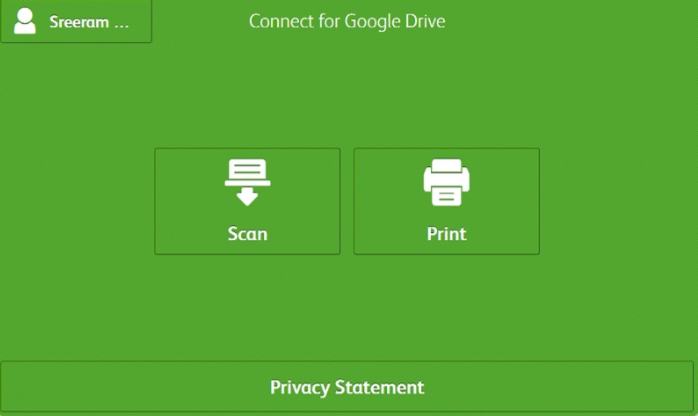
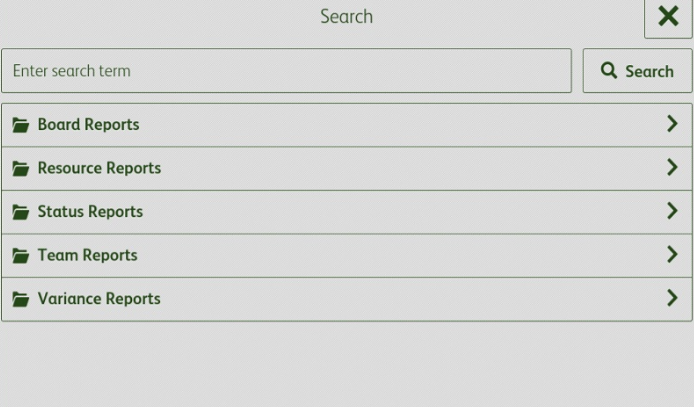
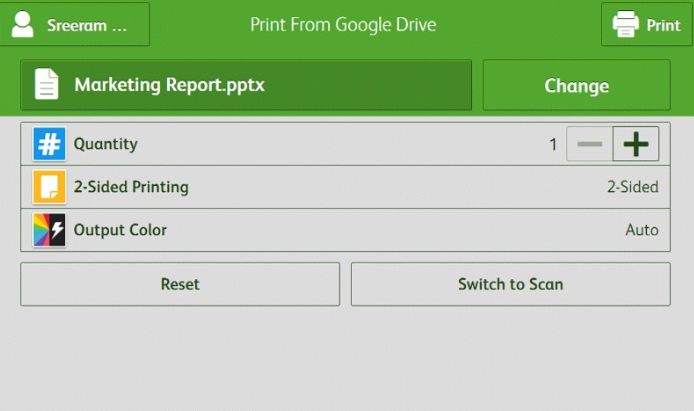
Follow these steps to integrate Xerox Connect for SharePoint 365, Google Drive, and Workflow Central with your Xerox ConnectKey-enabled MFPs.
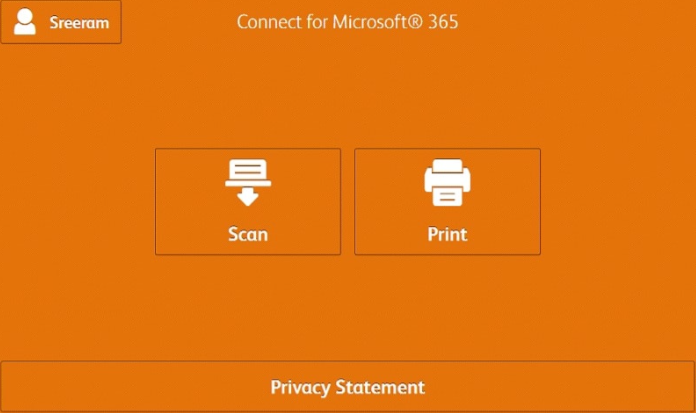
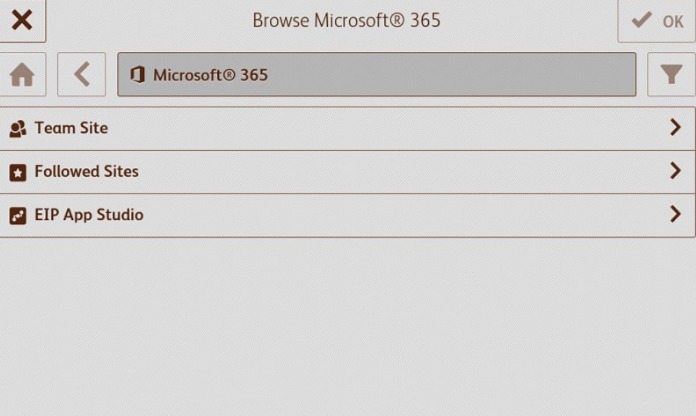
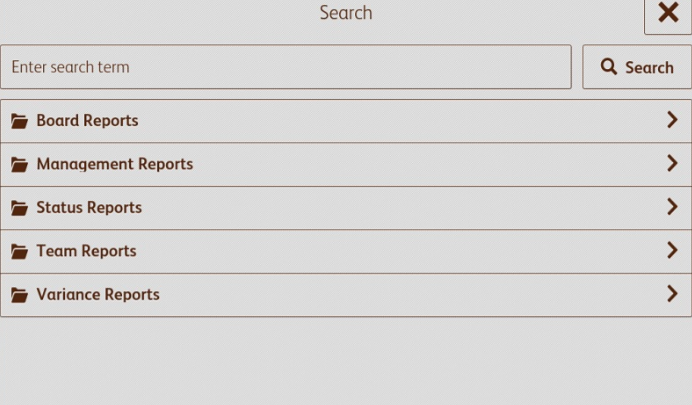
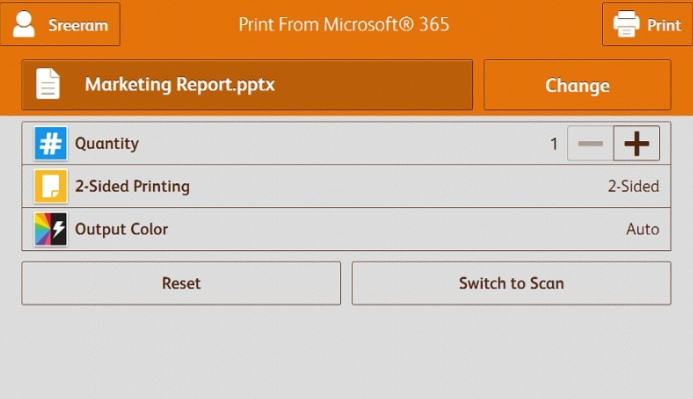
Boost productivity and simplify document management with Xerox cloud apps. Scan, print, and automate tasks directly from your Xerox MFPs to Microsoft 365, Google Drive, or Workflow Central. Streamline workflows, reduce manual effort, and ensure secure, efficient access to all your documents—making everyday printing and scanning faster, smarter, and hassle-free.