.webp)
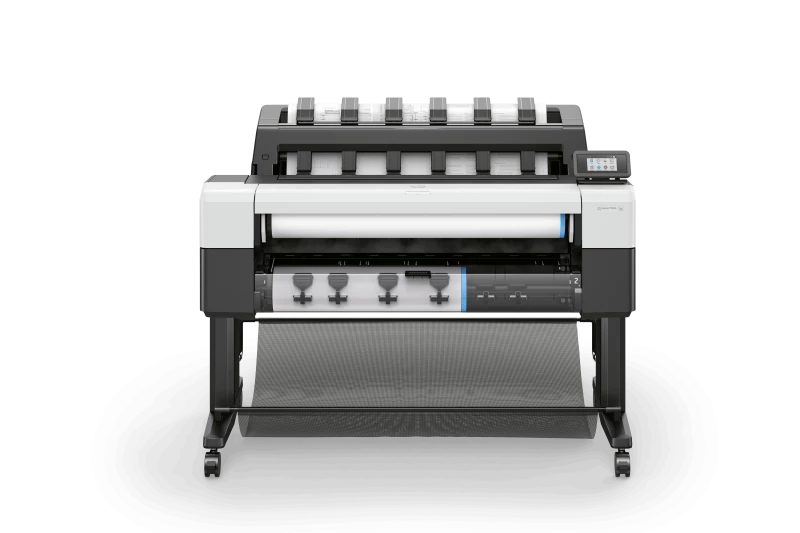



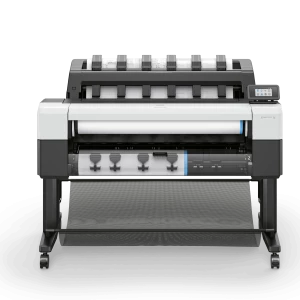
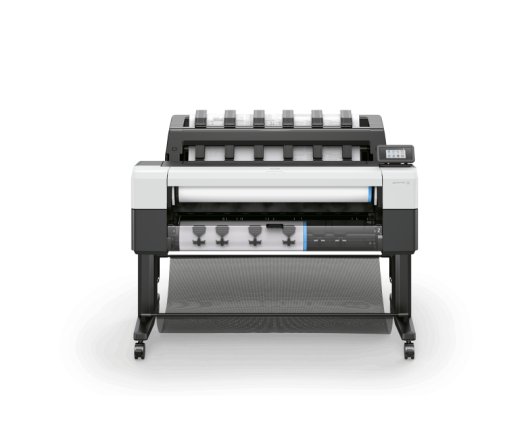
HP DesignJet T2600 MFP Plus Edition
Print, scan and copy, with every drawing connected to the cloud.
Call us for more info...
020 7064 9660
Scan straight to HP Build Workspace
AI vectorization, 20 files a month
Stacking that's actually built in
The gap between paper and digital is where most construction projects lose time, someone marks up a drawing by hand, and by the time it reaches the rest of the team the information is already out of date. The T2600 closes that gap at the point of scanning rather than relying on someone to type it all up later. It's a genuinely useful upgrade for architecture and engineering teams that still move a lot of paper between site and office. Perfect Colours has supplied and serviced HP DesignJet equipment since 1999, with 13 engineers covering the UK and a 97% first fix rate, so support is never far away once the printer is part of your workflow.
Connect Paper to Cloud
Scan paper drawings directly from the front panel into the HP Build Workspace cloud workflow², creating a single, smart, shareable version.
Always On the Latest Version
Keep teams working from the latest drawing. A printed QR code confirms paper plans match the latest available version.
Turn Scans Into CAD-Ready Files
Save up to 80% of drafting time³ and boost your design workflow with AI-enabled, integrated scan-to-vectorize capability.⁴
.png)


.png)
.png)


 (1).jpg)

 (1).png)


