.webp)
Large Format
Printers
for Architects & Engineers
A0 and A1 CAD plotters for technical drawings, site plans and engineering schematics. The right printer for your workflow, with authorised service and support across the UK.
What Architects & Engineers
Actually Need from a Printer
Most large format printer advice is written for sign makers. Architecture and engineering firms have fundamentally different requirements — precision, speed, paper handling and the ability to work within BIM and CAD workflows without friction.
Line Precision
CAD drawings require absolute line accuracy. A plotter that smears or misregisters lines renders drawings non-compliant with BS 8888 and ISO 128 technical drawing standards.
Output Speed
Deadline-driven practices need consistent throughput. A plotter that slows under continuous A0 load creates workflow bottlenecks at exactly the wrong moment.
Media Handling
Bond paper, tracing paper, vellum and polyester drafting film all behave differently. The wrong plotter or wrong settings causes media jams at critical moments.
Network & Workflow
Integration with AutoCAD, Revit, MicroStation and BIM software matters as much as the hardware. A plotter that requires workarounds adds time to every single print job.
.png)
What to Look for in a
CAD Plotter
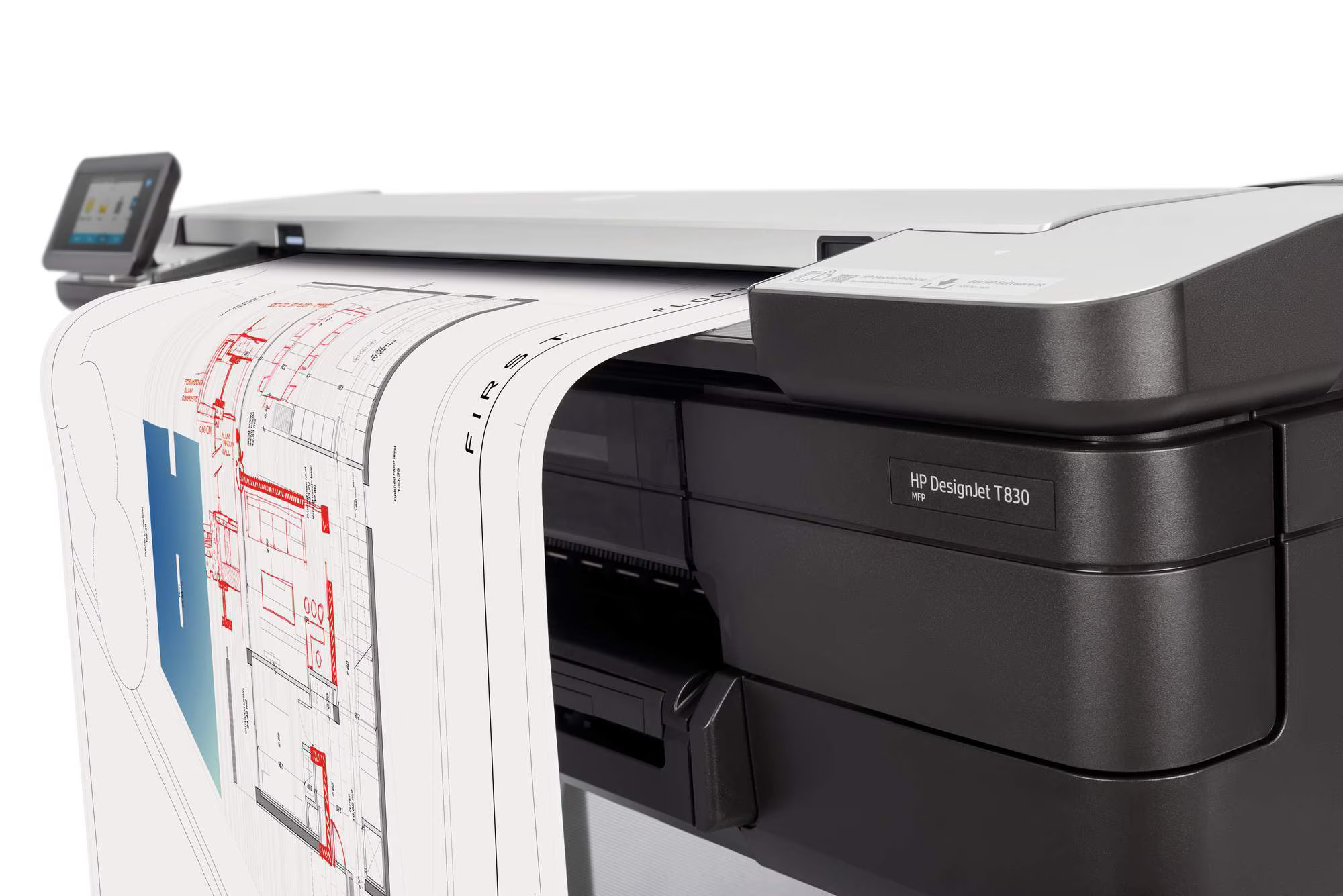
Not every large format printer spec matters equally to architecture and engineering.
Here is what actually makes a difference in a technical drawing environment.Below is a reference guide our specialists use when recommending a plotter to architects, engineers and reprographics teams. The table is filterable by importance level.
| Specification | Why it matters for CAD | What to look for | Importance |
|---|---|---|---|
| Print resolution | Fine lines and text must be sharp at A0. Low resolution causes jagged edges on diagonal lines. | 2400 × 1200 dpi minimum for technical line work | Essential |
| Print width | A0 is 841mm wide. Most standard plotters handle 24" (A1). A0-capable models are wider. | 36" (914mm) for A0 output; 24" (610mm) for A1-only | Essential |
| First page out | Deadline-driven practices need consistent throughput. Slow warm-up adds minutes per print in busy offices. | Under 25 seconds for A1; under 35 seconds for A0 | Essential |
| Memory / processor | Large CAD files (Revit exports, complex PDFs) require processing power. Under-spec'd printers spool slowly or drop data. | 1GB+ RAM; dedicated graphics processor | Essential |
| Roll vs sheet feed | Roll-fed plotters are significantly more cost-effective for A0 volume. Sheet feed suits low-volume offices. | Dual-roll for high volume; single roll for typical office use | Important |
| Scan / copy (MFP) | Many firms need to scan and archive existing drawings, particularly on heritage or renovation projects. | Integrated scanner at A0 for reprographics use | Important |
| Software compatibility | Direct print from AutoCAD, Revit and MicroStation without driver issues. HP provides dedicated AutoCAD drivers. | HP DesignJet or Epson SureColor T — both have native CAD support | Important |
CAD Plotters for
Architecture & Engineering
HP DesignJet and Epson SureColor T-series are the industry standard for technical drawing output. Here is our current selection.
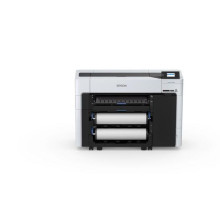
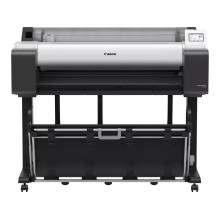
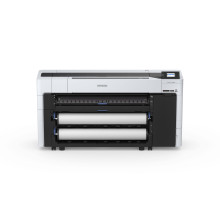
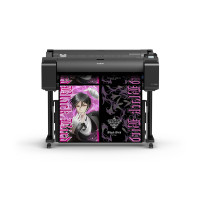
Epson SureColor SC-T7700DM Printer - 44in C11CH84301A1
SKU: C11CH84301A1Leading Brands for
Technical Drawing
We are authorised dealers and service centres for every major CAD plotter brand, with our own certified engineers for installation, maintenance and repair across the UK.

.png)

"Architecture firms don't need the fastest printer — they need the most reliable one. A plotter that fails on a Friday before a planning deadline costs more than a year of service contract."Perfect Colours Sales Specialist — Large Format Technical Printing
Not Sure Which CAD Plotter Is Right for Your Practice?
Most practices need A0 output, but the right choice also depends on your print volume, whether you need scanning, and how your workflow connects to AutoCAD, Revit or MicroStation.
Our specialists will give you a clear, honest recommendation with a cost-per-print comparison — no jargon, no obligation. We can also run both HP and Epson on your actual files before you decide.
Speak to a CAD Print Specialist
Tell us your print volume, required width and software and we will give you a specific recommendation with a cost-per-print comparison.
- Print volume and format width assessment Print volume and format width assessment
- HP vs Epson comparison for your workflow HP vs Epson comparison for your workflow
- Finance and leasing options explained Finance and leasing options explained
- Managed print audit if appropriate Managed print audit if appropriate
Common Questions
Answered
These are the questions our team gets asked most often by architects and engineers considering a new large format printer.
.png)
Related Pages &
Useful Links





.png)


 (1).jpg)

 (1).png)


